LET’S GET TO STEPPIN’ ORIGINAL v12.9
Martin Fighting Game: No Filter Fighters
Play No Filter Fighters free in your browser. Pick your fighter. Bring a sidekick. Settle it in the apartment.
01 / THE CREW IS HERE
Choose your fighter










02 / KNOW YOUR BUTTONS
Less guessing.
More fighting.
Start with Training. Learn one attack, one special and the pause menu before taking on the crew.
Controls at a glance
| Action | Player 1 keyboard |
|---|---|
| Move left / right | A / D |
| Jump / crouch | W / S |
| Light punch | F |
| Heavy punch | G |
| Light kick | V |
| Heavy kick | B |
| Special | H |
| Super 1 | T |
| Super 2 | Y |
Default bindings for v12.9. These selectors change this guide, not your game settings.
03 / FAMILIAR PLACES. NEW PROBLEMS.
Bring the fight home
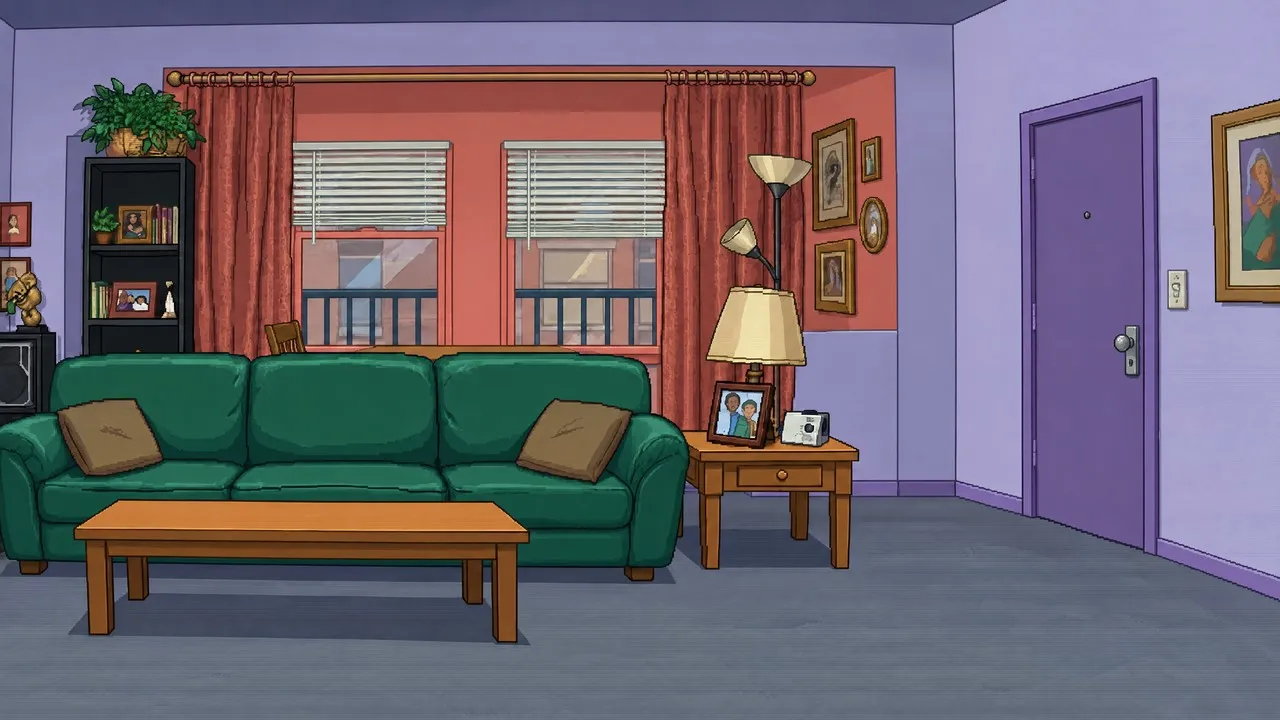


THE BUILD YOU’RE PLAYING
One game.
The actual crew.
No Filter Fighters is an unofficial Martin fan game by TDHampton Productions. This site serves the supplied original v12.9 browser build and practical guides tied to that version.
Arcade, Training and local Versus are your starting points. Phone hardware, physical controllers and internet matches have separate verification limits.
Game credits & sources ↗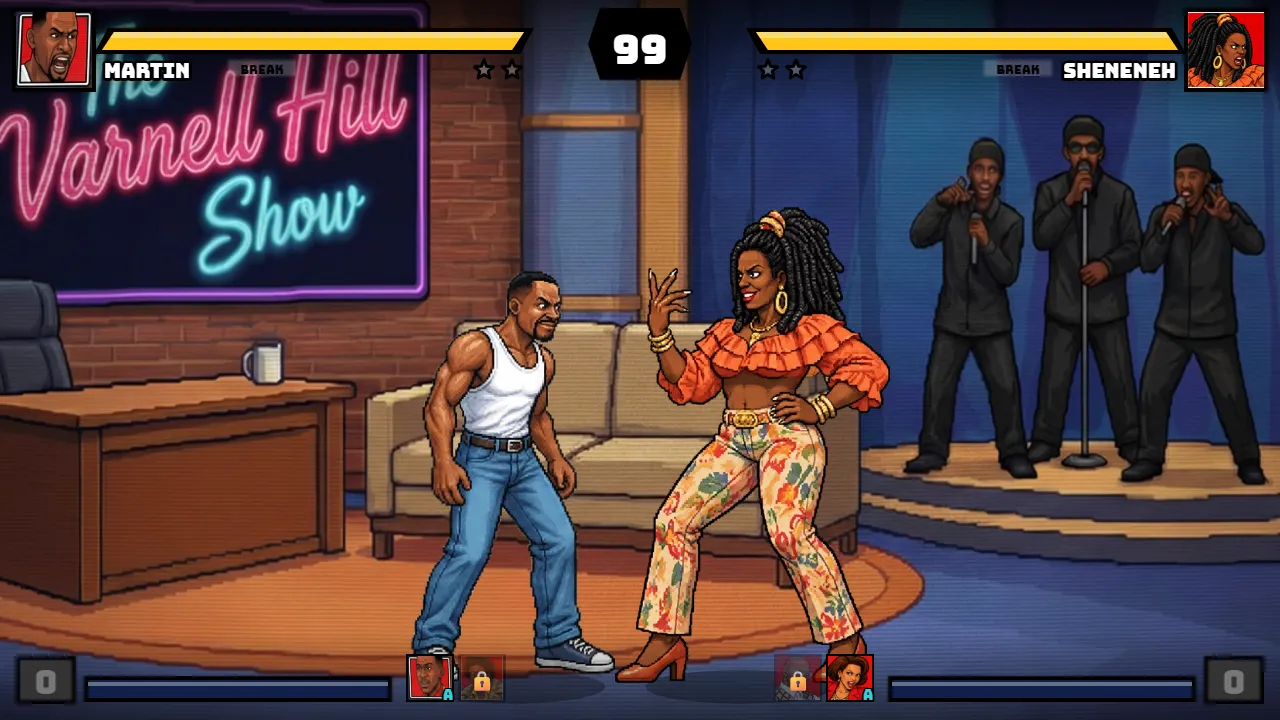
04 / BEFORE THE NEXT ROUND
A few quick answers
Is Martin Fighting Game free to play?
The hosted No Filter Fighters v12.9 browser game has no entry fee. The original game keeps its creator support links; supporting the creator is optional.
How do I start my first match?
Choose Play now, click inside the game and press Enter twice to reach the mode menu. Choose Training, confirm a fighter and a different sidekick with F, then choose a stage.
Which version and characters are here?
This site hosts original v12.9, with 10 fighters including Bruh-Man. It is separate from II Turbo and does not claim to be the latest upstream release.
Can I play with a friend?
Local Versus on one keyboard was tested through a complete match. Online Versus uses external signaling and WebRTC services; online play has not passed a two-client match test here.
Does it work on phones or controllers?
The build includes touch controls and standard gamepad mappings. Phone layouts were simulated; physical iPhone, Android and controller play remain untested. Check the device guides before choosing how to play.
What should I do if the game does not respond?
Click inside the game to focus it. Check the default controls, and use the troubleshooting guide for loading, sound, input or room connection issues. Shift+Escape returns focus to the website toolbar.